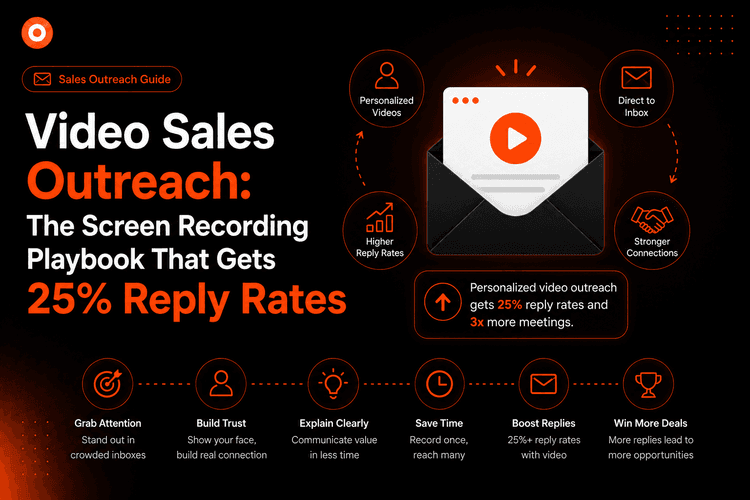
Video Sales Outreach: The Screen Recording Playbook That Gets 25% Reply Rates
Cold email gets 1-3% replies. Personalized video outreach gets 20-30%. This playbook covers the 3-part script, what to show on screen, how to record in 4 minutes, and how to scale without losing the personal touch.
Zenrecap Team
June 15, 2026 · 5 min read
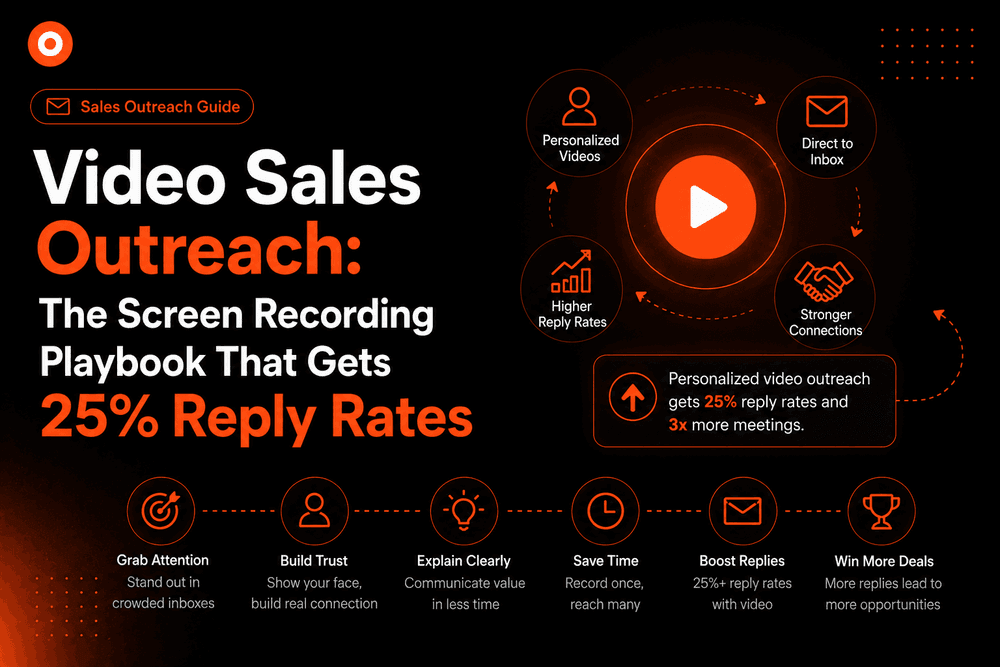
Video Sales Outreach: The Screen Recording Playbook That Gets 25% Reply Rates
Cold email reply rates have collapsed. The average text-based cold email gets a 1-3% reply rate in 2026. Personalized video outreach - a 60-second screen recording that shows you actually looked at the prospect's business - consistently gets 20-30%.
This is the playbook. No expensive equipment. No editing. Just a screen recorder, a real insight about the prospect, and a clear ask.
Why Video Outreach Works When Text Fails
Text emails are frictionless to ignore. A video thumbnail with your face - or a screenshot of the prospect's own website - creates a pattern interrupt in an inbox full of identical text blocks.
Three things make video outreach convert:
1. It signals effort. A 60-second personalized video takes 3-4 minutes to record. Every recipient knows that. It immediately separates you from mass-blast sequences.
2. It shows, not tells. "I noticed your onboarding flow has a drop-off point" lands differently when you are literally on screen showing their flow and pointing to it.
3. It is memorable. A prospect who watches your video remembers the interaction. A prospect who skims your text email does not.
The 3-Part Structure of a Video That Gets Replies
Keep every sales recording to 60-90 seconds maximum for cold outreach. The structure:
Part 1: The Hook (0-10 seconds)
Open with something specific about them - not your company, not your product.
"I was looking at your pricing page and noticed you have three plans but the comparison table is below the fold - most visitors never see it..."
This must be something you only found by actually looking at their business. Generic openers ("I love what you're building at [Company]") are spotted instantly and signal automation.
Part 2: The Bridge (10-50 seconds)
Show the insight on screen. Literally pull up their website, their LinkedIn, their job postings - whatever the insight is about - and walk through what you noticed and why it matters.
This is where screen recording earns its keep. You are not describing the problem; you are demonstrating it. The prospect sees their own context on your screen and immediately grasps what you mean.
Transition naturally into what you do:
"...we help SaaS teams fix exactly this - here's a 20-second example from a client who had the same setup..."
Part 3: The Ask (50-90 seconds)
One specific, low-friction request.
"Worth a 15-minute call to show you what the fix looks like for your stack? Just reply 'yes' and I'll send a link."
Not: "I'd love to connect and explore synergies." One clear action.
How to Record It: The 4-Minute Workflow
- Research the prospect - find one real, specific insight (2 minutes)
- Open Zenrecap - select Screen + Camera, enable mic
- Start recording - pull up their site, run your 3-part script (60-90 seconds, one take)
- Stop - copy the instant share link, paste into your email
The link Zenrecap generates includes an AI transcript, so if the prospect shares it with their boss or team, the transcript makes the video searchable and scannable.
What to Show on Screen (Trigger Ideas)
| What you noticed | What to show |
|---|---|
| Their pricing page is hard to find | Screen-record navigating their site to the pricing page |
| They are hiring for a role your tool replaces | Screenshot of the job posting, explain the cost math |
| Their G2 reviews mention a specific pain | Pull up the reviews, read one out |
| A competitor just launched something relevant | Show the competitor's announcement, explain the gap |
| Their product has a UX friction point | Demo the friction live in their product |
All of these require you to actually spend 2 minutes on research. That is the point - and it shows.
The Email Frame Around Your Video
Keep the email itself short. The video does the work:
Subject: quick thing I noticed about [Company]
Body:
Hey [Name],
Noticed something on your [website/pricing page/onboarding] - recorded a 60-second take on it.
[VIDEO THUMBNAIL LINK]
Worth a quick chat? Just hit reply.
[Your name]
No company intro. No feature list. No case study paragraph. The video carries all of that.
Scaling Without Losing Personalization
The first-line insight and the screen recording stay personalized. Everything else can be templated.
What to personalize (non-negotiable):
- The specific observation about their business
- The screen you show (their website, their product, their content)
- Their name and company name
What to template:
- The email subject line formula
- The bridge transition ("we help teams like yours...")
- The CTA phrasing
A rep who records 10 personalized videos per day - each taking 4 minutes - is spending 40 minutes on outreach that generates more pipeline than 200 generic emails.
Tracking What Works
Use Zenrecap's share links to understand engagement:
- Did they watch it? Unplayed videos on follow-up tell you deliverability is the issue, not the video itself.
- Did they watch to the end? Drop-off in the first 15 seconds means your hook is not landing.
- Did they share the link? Multiple views from the same company means the video is being forwarded internally - a strong buying signal.
Start With One Prospect Today
Do not build a sequence. Do not set up automation. Record one video for one prospect who you genuinely find interesting, send it today, and see what happens.
The reply - when it comes - will tell you everything you need to know about whether this is worth scaling.
Install Zenrecap free and record your first personalized sales video in under 5 minutes.