How to Record Your Screen and Share It Instantly
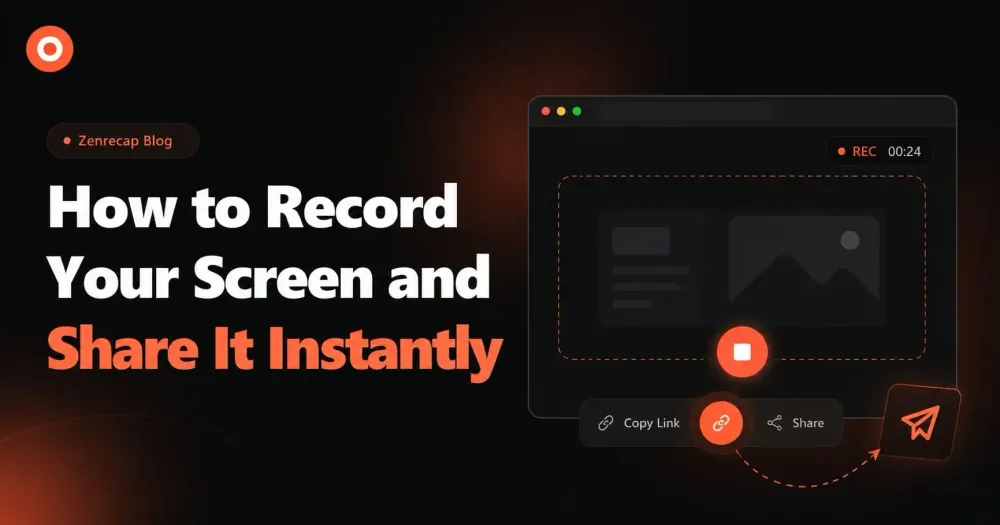
Screen recording has never been easier. Learn how to capture your screen, camera, and microphone in one click and share it with your team instantly.
Zenrecap Team
May 18, 2026 · 1 min read
How to Record Your Screen and Share It Instantly
Screen recording is one of the most powerful tools for modern teams. Whether you are explaining a bug, walking through a process, or giving feedback on a design, a quick video says more than a long email ever could.
Why Screen Recording Beats Long Emails
We have all been there — writing a three-paragraph email trying to explain something that would take 30 seconds to show. Screen recording eliminates that friction entirely.
With Zenrecap, you can:
- Record your screen, camera, and microphone simultaneously
- Start recording with a single click from your browser
- Get a shareable link the moment your recording is done
How to Get Started
- Install the Zenrecap Chrome extension
- Click the extension icon in your toolbar
- Choose what to record: full screen, a specific tab, or just your camera
- Hit record — a floating toolbar appears so you can pause, annotate, or stop at any time
- When you stop, your video uploads automatically
- Share the link with anyone — no account required to view
Who Uses Screen Recording?
Screen recording is used across every team:
- Engineering: Report bugs with full context instead of text descriptions
- Design: Walk through mockups and collect async feedback
- Customer Success: Create personalized video responses to support tickets
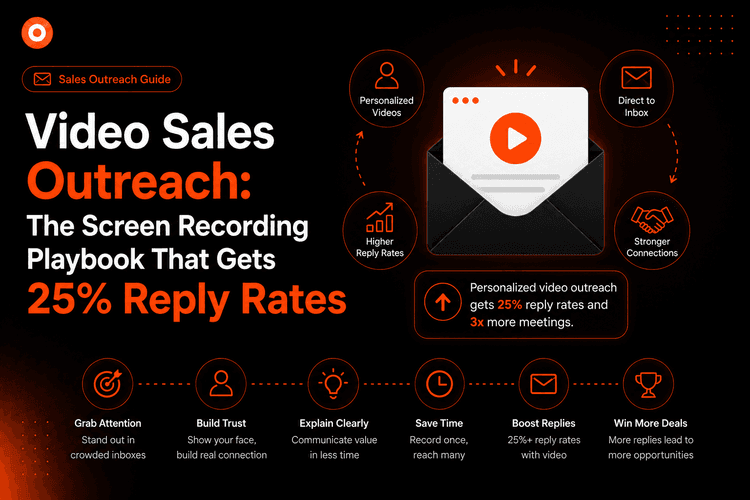
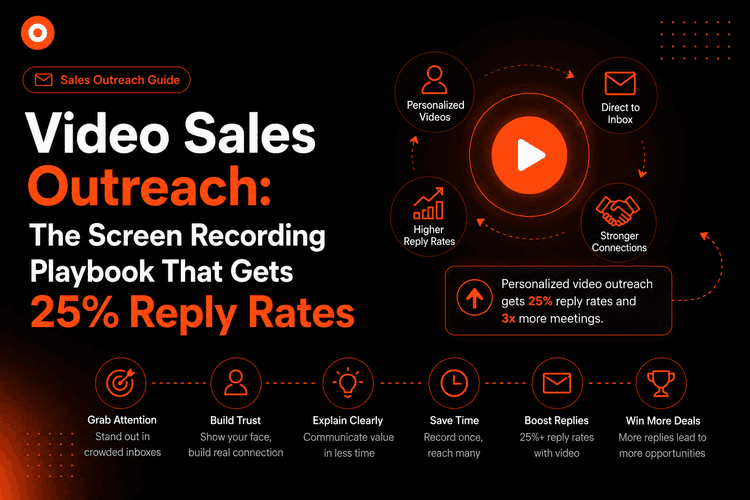
- Sales: Send custom demo videos to prospects
- HR & Training: Build onboarding videos without expensive software
The Future of Async Communication
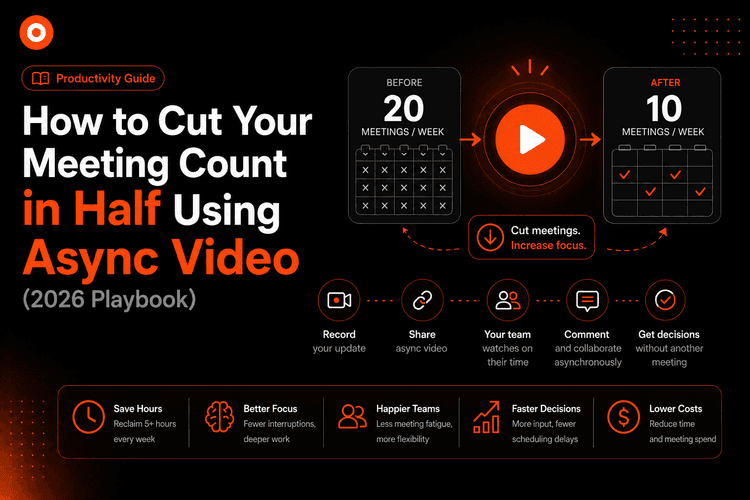
Remote and hybrid teams are moving away from unnecessary meetings. A 2-minute screen recording can replace a 30-minute meeting. Your team can watch it on their own time, rewind, and refer back to it whenever needed.
Zenrecap makes this workflow seamless — record, share, done.