Async Video Communication: The Complete Guide for Remote Teams
Async video is replacing real-time meetings for remote teams worldwide. This complete guide covers tools, best practices, and how to get your team started.
Zenrecap Team
May 18, 2026 · 2 min read
Async Video Communication: The Complete Guide for Remote Teams
Remote work has fundamentally changed how teams communicate. The old model — everyone online at the same time, back-to-back video calls — does not work when your team spans multiple time zones. Async video communication is the solution.
What Is Async Video Communication?
Async (asynchronous) video communication means recording a video message and sharing it for others to watch on their own time — instead of scheduling a live meeting where everyone must be present simultaneously.
Why It Works for Remote Teams
Time zone independence: A team member in London records an update at 9am their time. Their colleague in San Francisco watches it when they start their day. No one has to work outside their hours.
Better focus: Without constant meetings interrupting deep work, team members can focus for longer uninterrupted periods.
Recorded by default: Everything is documented. New team members can catch up on context. Decisions have a record.
Less meeting fatigue: Zoom fatigue is real. Async video eliminates most of it.
What to Use Async Video For
- Project updates and progress reports
- Design reviews and feedback
- Code walkthroughs and architecture explanations
- Customer demos and sales follow-ups
- Bug reports and QA feedback
- Onboarding new team members
- Answering recurring questions once instead of many times
Best Practices for Async Video
Keep it short: Under 5 minutes for most updates. Under 2 minutes for simple questions.
State the purpose upfront: Start with "This video covers X" so viewers know immediately if it is relevant.
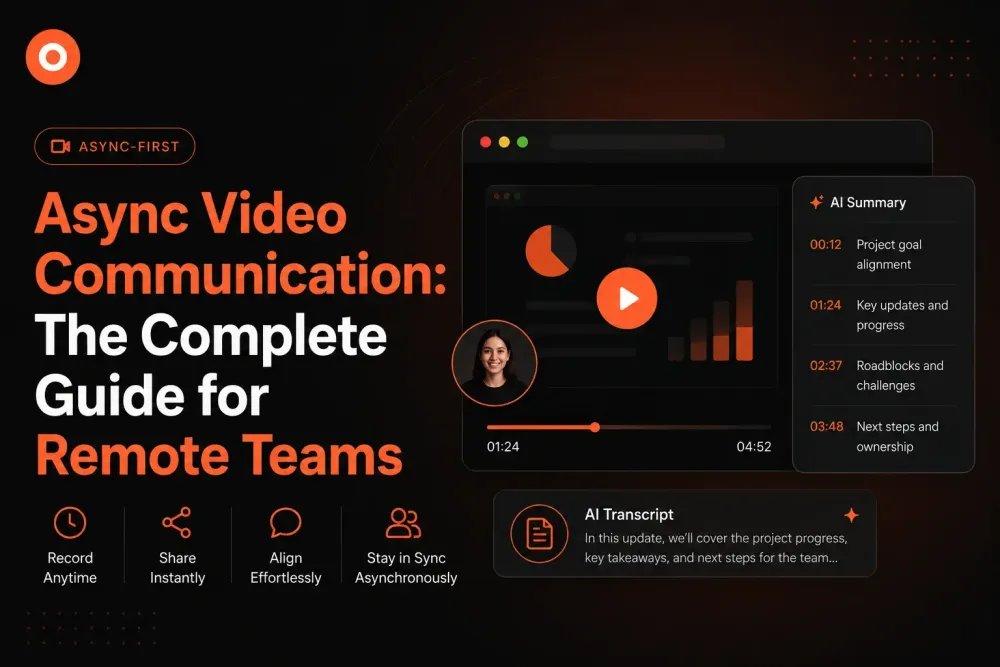
Use chapters for longer videos: Break longer recordings into sections so viewers can jump to what they need.
Add a transcript: Not everyone can watch with sound. Transcripts make your videos accessible to everyone.
Getting Started With Zenrecap
Zenrecap is built for async video communication. Install the free Chrome extension, record your first video, and share the link. Your recording will be automatically transcribed, summarized, and chaptered — making it easy for your team to consume on their own schedule.
Start your first async video today at zenrecap.com.