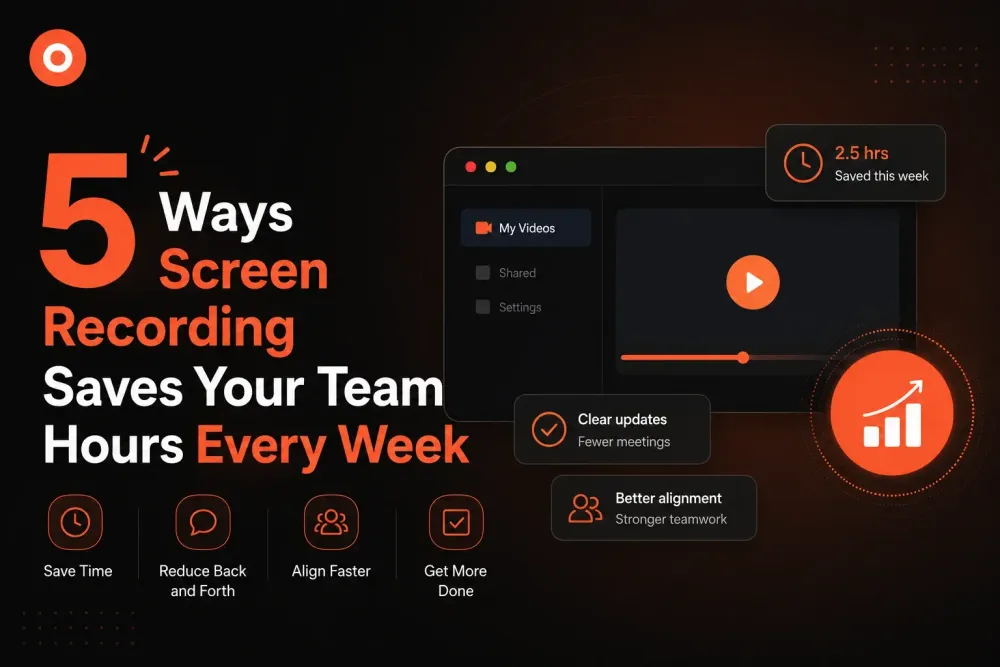
5 Ways Screen Recording Saves Your Team Hours Every Week
From bug reports to onboarding, screen recording replaces meetings, emails, and back-and-forth messages. Here are 5 ways your team can save hours every week.
Zenrecap Team
May 18, 2026 · 2 min read
5 Ways Screen Recording Saves Your Team Hours Every Week
The average knowledge worker spends over 3 hours a day in meetings. A significant portion of those meetings exist simply to explain things that could have been shown in a 2-minute video. Here are 5 ways screen recording gives that time back.
1. Replace Status Update Meetings
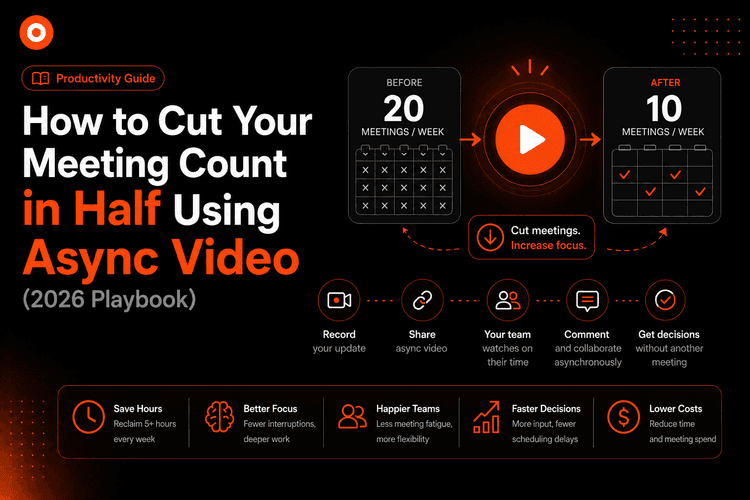
Instead of a weekly sync where everyone shares what they did, each person records a 2-minute update video. Team members watch on their own time, pause, rewind, and respond asynchronously. One 30-minute meeting becomes five 2-minute videos.
2. Bug Reports With Full Context
Writing a bug report is hard. You have to describe exactly what you did, what you expected, and what happened instead. A screen recording shows all of that in 60 seconds. Developers get full context and can reproduce the issue immediately.
3. Design Feedback Without Scheduling
Designers share mockups and record a walkthrough explaining their decisions. Stakeholders watch and record their own response. No scheduling required, no waiting for everyone to be available at the same time.
4. Customer Onboarding at Scale
Instead of live onboarding calls for every new customer, create a library of screen recordings that walk through every feature. Customers watch on demand, rewind as needed, and refer back whenever they want.
5. Code Reviews and Technical Explanations
Senior engineers record walkthroughs of complex code, architecture decisions, or deployment processes. Junior team members watch at their own pace. Knowledge transfers without blocking anyone is calendar.
The Compound Effect
Each of these saves 20-30 minutes per week. Together, they can save 2-3 hours per person per week. For a team of 10, that is 20-30 hours of productivity recovered every single week.
Zenrecap makes all of this possible with a free Chrome extension and shareable links that work for anyone.